> For the complete documentation index, see [llms.txt](https://international.open.gov.sg/llms.txt). Markdown versions of documentation pages are available by appending `.md` to page URLs; this page is available as [Markdown](https://international.open.gov.sg/demos/form.md).
# Form
FormSG is a form builder designed for government use - secure, accessible, and easy to use. Create everything from simple contact forms to complex multi-step applications without writing code.
### Try It Yourself
**🚀** [**Launch FormSG Demo**](https://form.demos.sg)
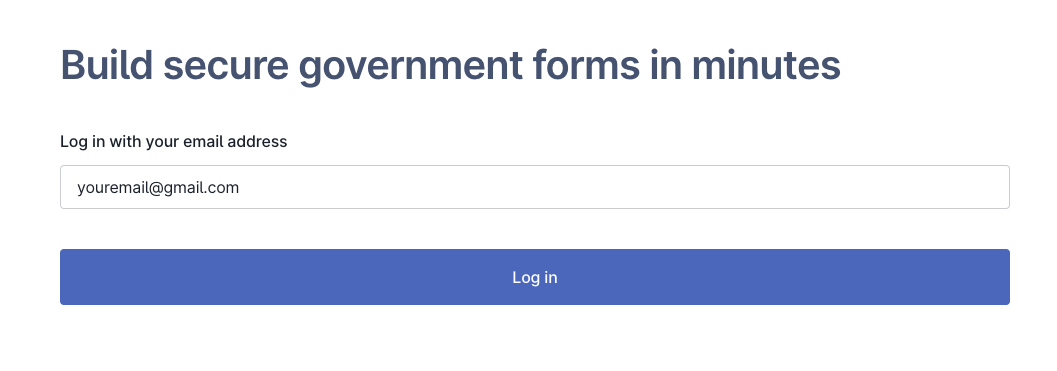
Log in with your Gmail, Yahoo, or Outlook email to start building forms immediately.
1. To start, key in your email and login via OTP.
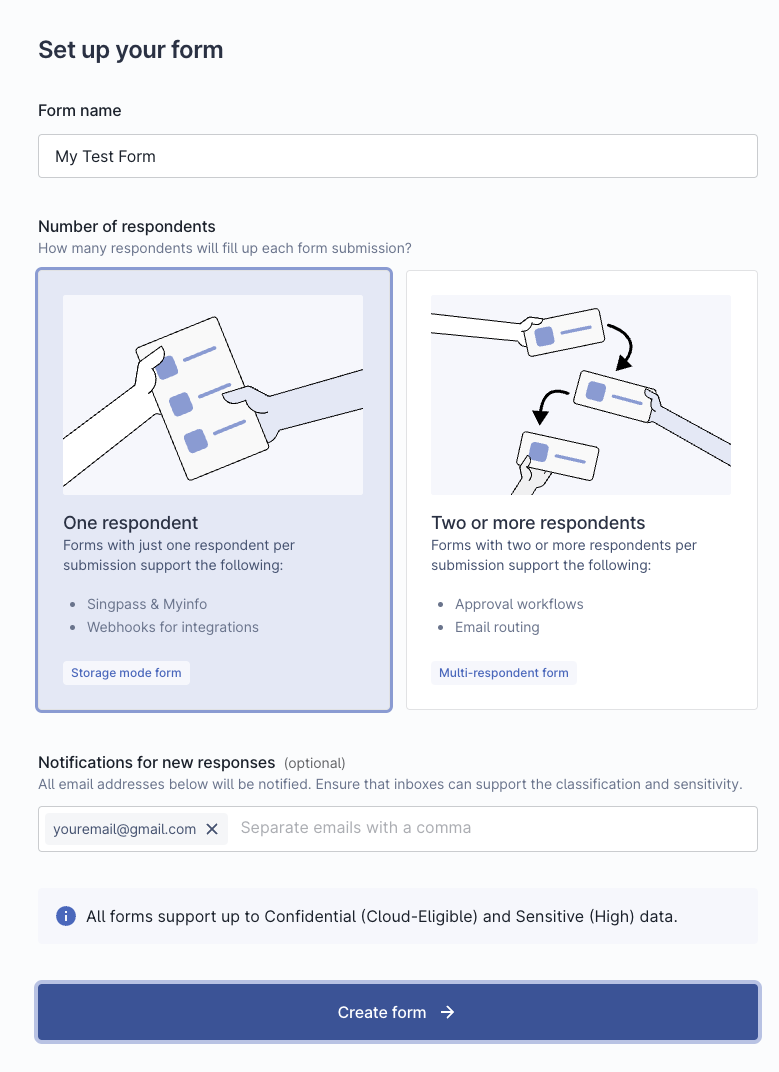
2. Create the form of your choosing
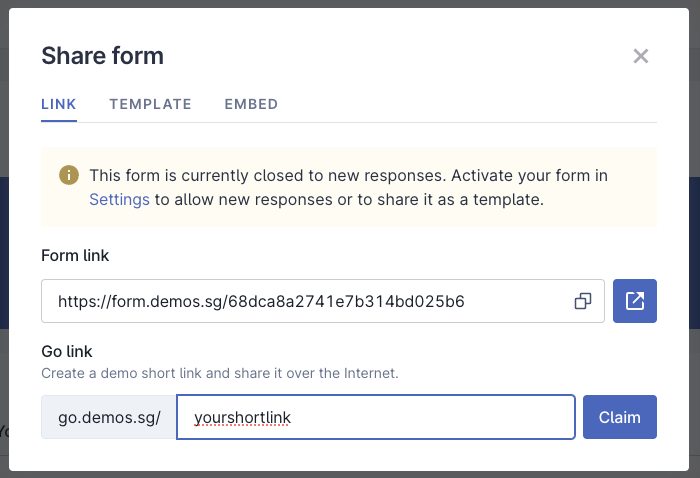
3. After editing your form, you can make it public and share the link, OR use it in tandem with the Go demo (link shortener)!
### What You Can Do
Explore FormSG's full feature set in this demo environment:
* **Build forms** with drag-and-drop ease using 20+ field types
* **Add logic** to show or hide fields based on user responses
* **Test workflows** including form submission and response collection
* **Try features** like email notifications, and downloading responses
* **Experience the admin dashboard** for managing forms and viewing responses
* **Create public forms**
### Demo Limitations
{% hint style="warning" %}
**Important: This is a demo environment**
Please note these limitations to keep the demo safe and available for everyone:
* **Login**: Use Gmail, Yahoo, or Outlook emails (not government email domains)
* **Data resets every 3 hours**: All forms and responses are automatically deleted to prevent misuse
* **No personal data**: Do not submit real personal information, sensitive data, or confidential content
* **Demo watermarks**: The demo includes clear indicators that distinguish it from production FormSG instances
* **Testing only**: This environment is for evaluation purposes, not for collecting real responses
{% endhint %}
### Ready to Deploy?
Once you've explored the demo, you can deploy FormSG in your own infrastructure to:
* Keep full control of your data with complete data sovereignty
* Remove all limitations and customise to your needs
* Use your own authentication systems and email domains
* Scale to handle production workloads
Want to get started with deployment in your environment? Check out our self-hosting guide:
{% content-ref url="/pages/iQ2ulR3yTpZMIoPwSSse" %}
[FormSG](/self-hosting/formsg.md)
{% endcontent-ref %}
### Learn More
* [**form.gov.sg**](https://form.gov.sg) - See FormSG in production use by the Singapore government
* [**guide.form.gov.sg**](https://guide.form.gov.sg/) - Complete feature documentation and user guides
* - The open source codebase